Manual and automatically generated captions
See whether the selected captions are manual or automatically generated.
Search, copy, and download YouTube transcripts
Paste a YouTube link to open the transcript workspace. Search exact words, jump to timestamps, copy clean text, or download TXT, SRT, and VTT.
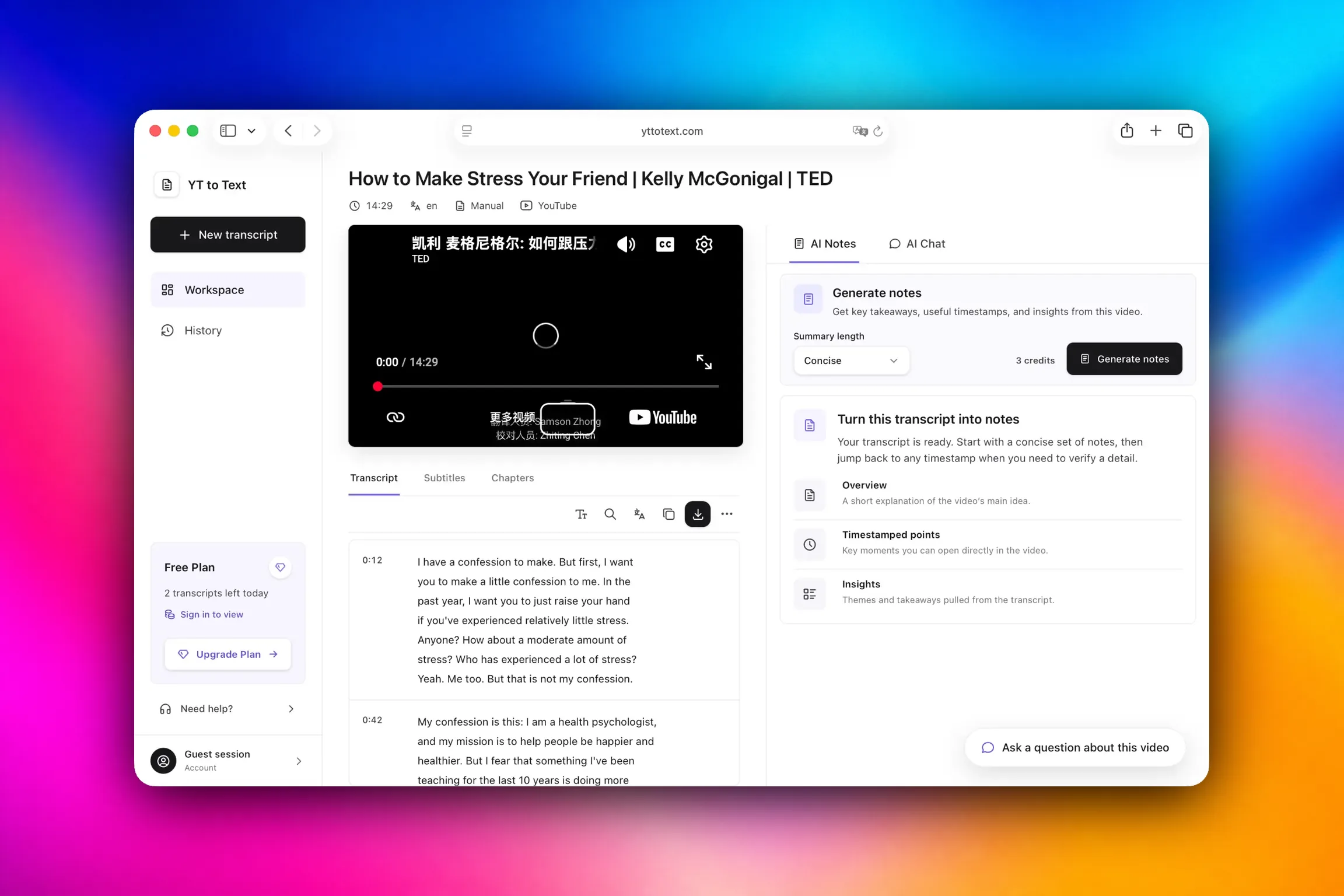
Start with a YouTube video link, then work with the transcript in one place.
Read or search the selected captions, then copy the text or download the result as TXT, SRT, or VTT.
Paste a YouTube video link into the input, then click Get Transcript.
When the workspace opens, read the timestamped transcript or search for an exact word or phrase. Select a timestamp to check the matching moment in the video.
Copy clean text or keep readable timestamps. When you need a file, open Download and choose TXT, SRT, or VTT without submitting the video again.
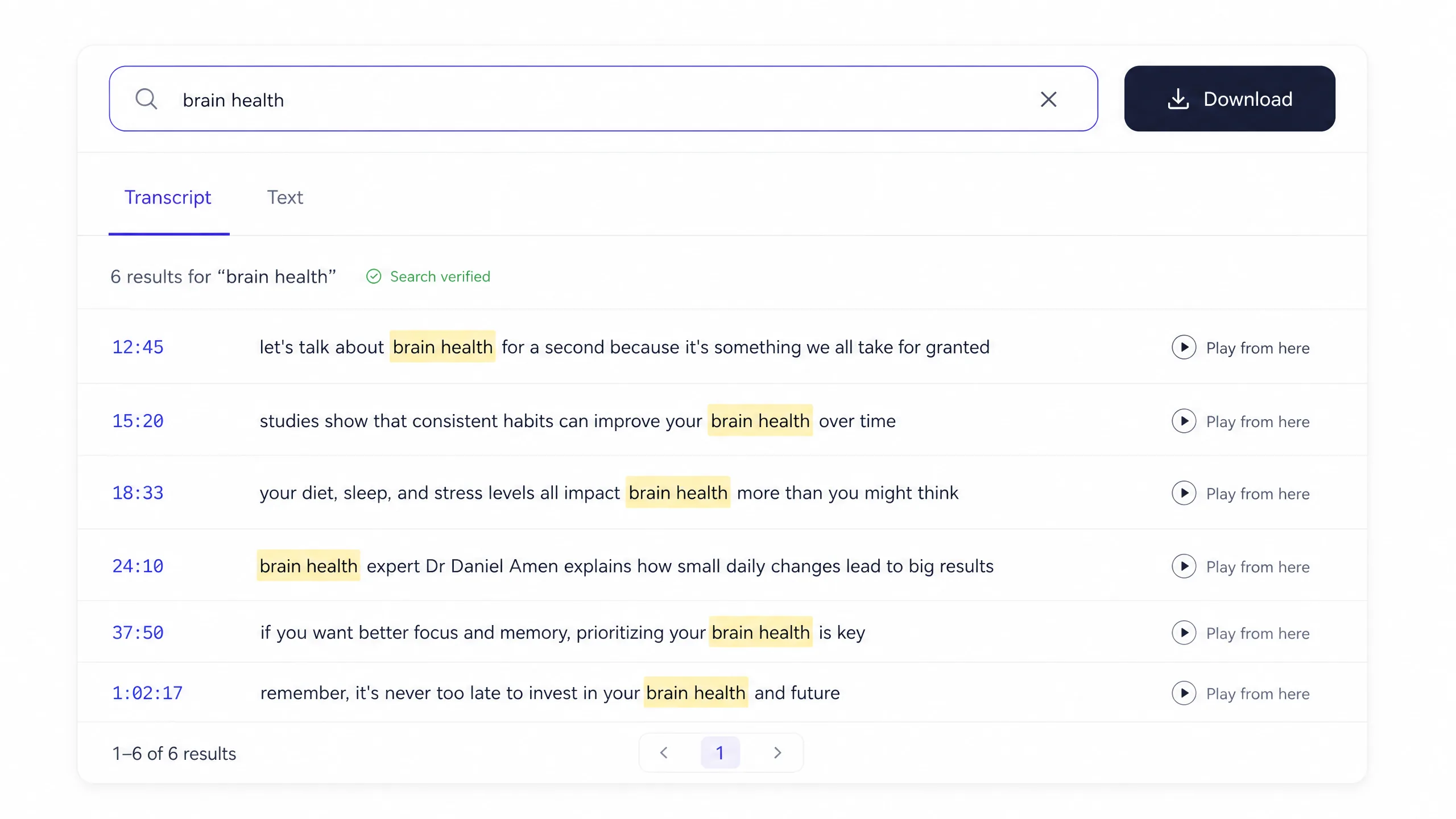
Search & verify
Search a long YouTube transcript for a name, phrase, product, or topic. Move through every match without changing the source text.
Open a timestamp to verify the matching moment, or switch to Text view for clean reading and copying.
The result
A useful transcript is more than a block of copied captions. Read each line with its timestamp, search exact words, switch to clean text, and download the result without submitting the video again.
See whether the selected captions are manual or automatically generated.
Works when a video already provides a caption track.
Choose only from the caption languages the video makes available.
Copy clean text or download TXT, SRT, and VTT from the same result.
Use cases

Find a term in a lecture and verify the surrounding context before taking notes.
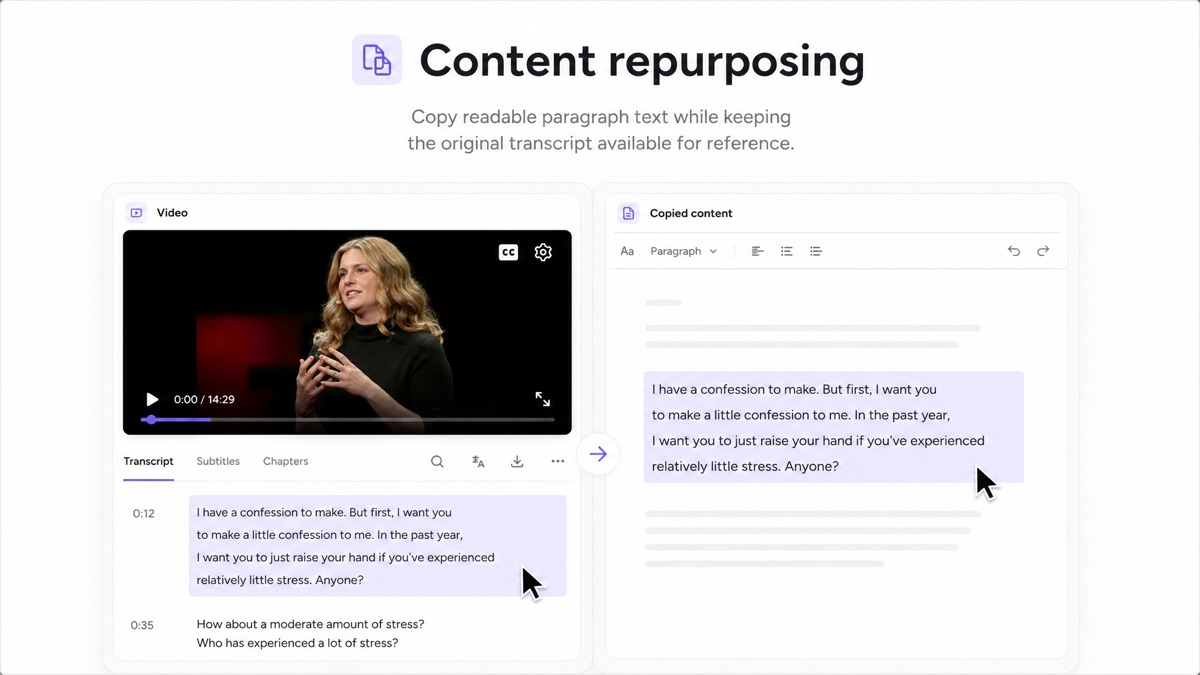
Copy readable paragraph text while keeping the original transcript available for reference.
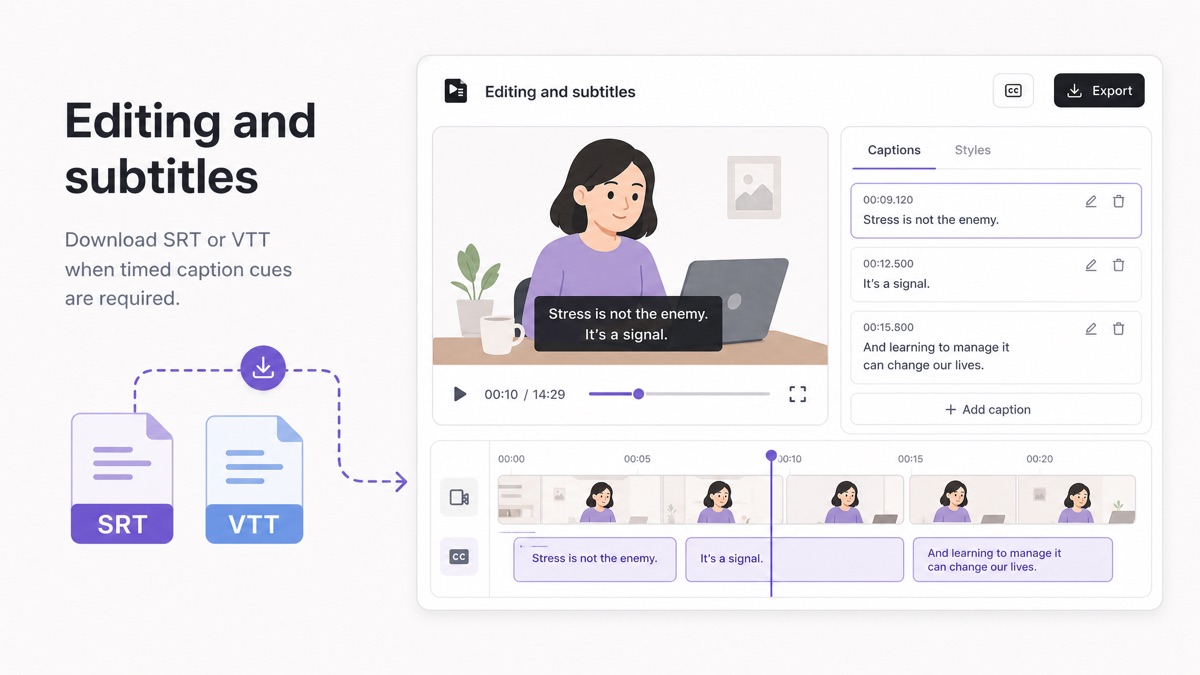
Download SRT or VTT when timed caption cues are required.
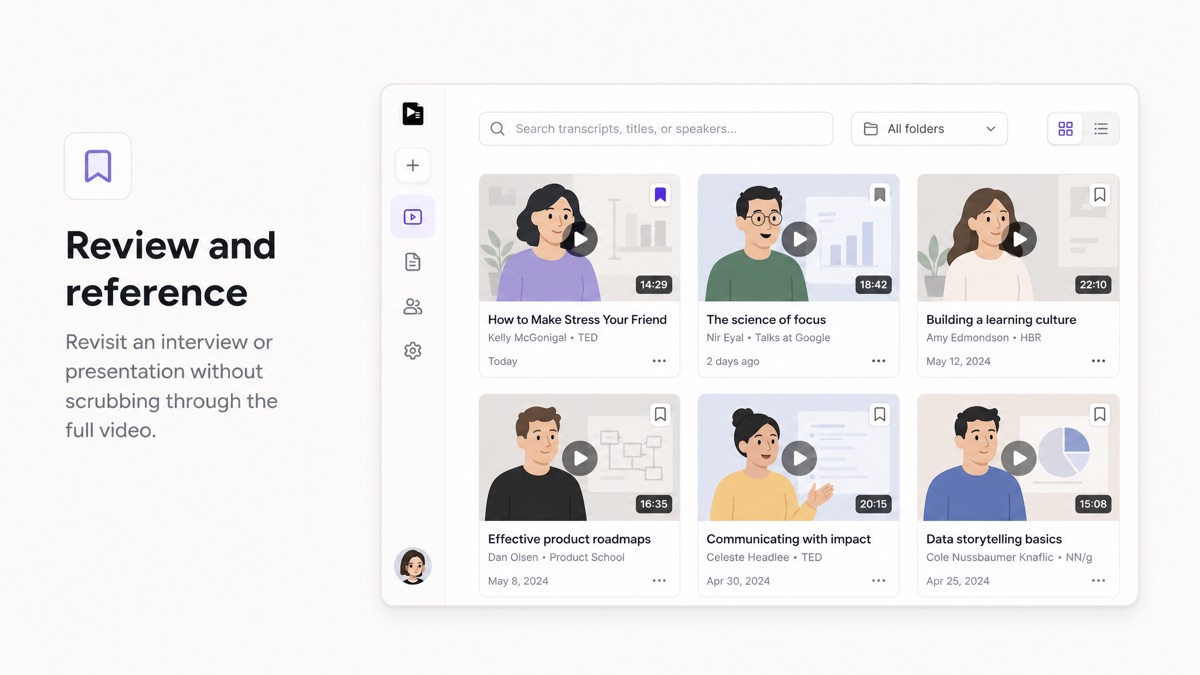
Revisit an interview or presentation without scrubbing through the full video.
The same transcript can be searched, downloaded, or used with a guide. Choose the option that matches what you need now.
Output formats
Create every file from the same successful transcript. You do not need to submit the video again.
| Format | Best for | Timestamps | What you receive |
|---|---|---|---|
| TXT | Reading, notes, and copy | Optional | Plain or timestamped text |
| SRT | Video editors and subtitle upload | Yes | Numbered subtitle cues |
| VTT | Web video and caption workflows | Yes | WebVTT cues with timing |
Transcript retrieval, search, copy, and TXT, SRT, or VTT downloads stay separate from AI credits. That keeps the bill understandable and protects the free workflow.
$0
A complete first result with no payment method.
$15
For regular study, research, and creator workflows.
$29
For teams and weekly research workflows.
Direct answers about availability, free use, downloads, and transcript handling.
Yes. This device can complete three successful transcripts each day. Failed requests do not use the allowance, and signing in does not add more free transcript uses.
Not for your first three successful transcripts. Your third result remains fully usable, and sign-in is required before the next submission.
Only a successful job that produces a transcript counts. Invalid links, unavailable videos, missing captions, and service failures do not use the allowance.
Not in the free caption retrieval tool. Transcription without available captions is a separate feature and is not offered yet.
Standard watch, youtu.be, Shorts, embed, live replay links, and valid 11-character video IDs are accepted when the video is accessible.
Yes. A successful transcript can be downloaded as TXT, SRT, or VTT.
Yes, when YouTube makes them available. The workspace labels the selected source.
No. Your transcript stays in your private workspace and is not listed on public pages.
Paste a YouTube link and start searching, copying, or downloading the transcript.